
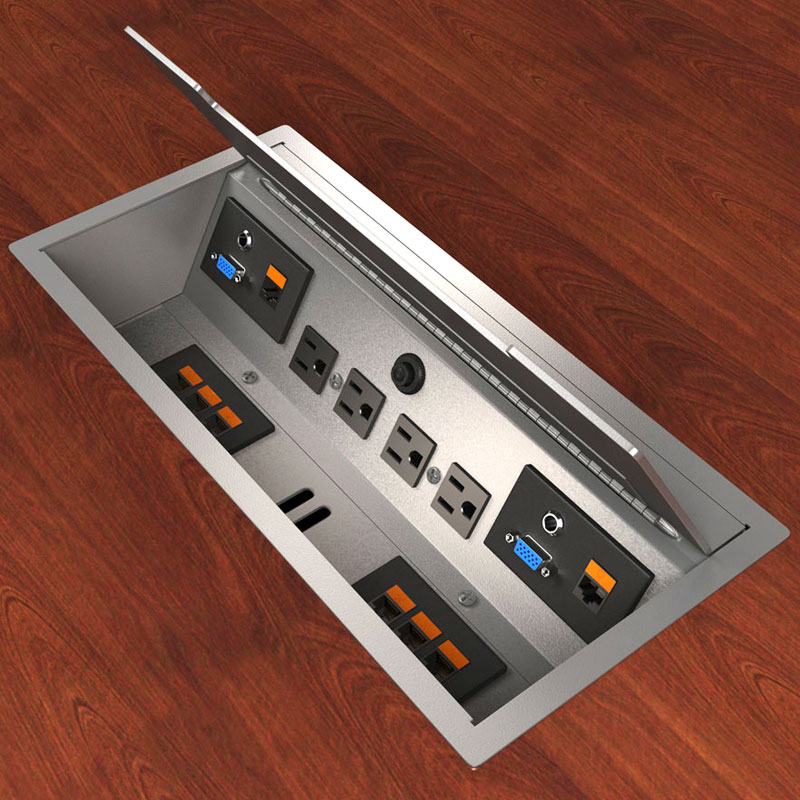
The cleanest conference-room installation starts long before anyone plugs a cable into the table.
Are you looking for ideas on how to hide cables in conference rooms and conference-room tables?
The first question shouldn’t be which cable-management product to buy.
It should be:
How are we getting power and data to the table?
That sounds obvious, but it is easy to design the room, select an expensive conference table and then discover that nobody fully coordinated how power, charging and audiovisual connections would reach the people sitting around it.
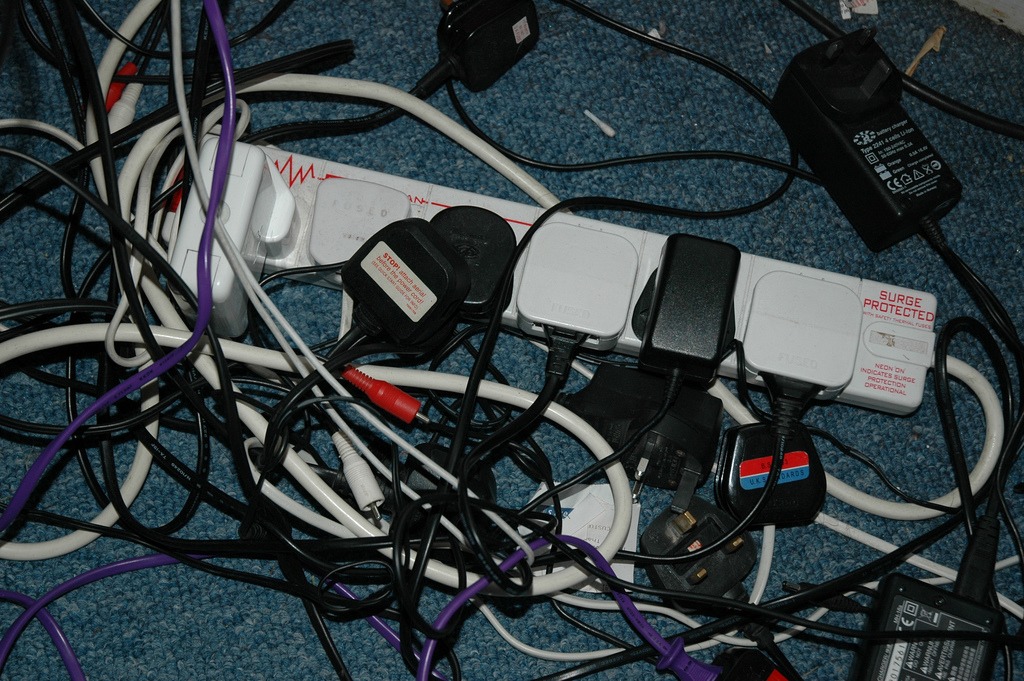 The result can be a beautiful room with extension cords, exposed cables, awkward floor penetrations or a collection of adapters sitting on top of the table.
Coordinate the Table With the Room
Conference-room infrastructure should be coordinated while the room is being designed.
The architect, furniture vendor, electrical engineer or contractor, and AV/IT team may all have a piece of the solution. Someone needs to make sure those pieces actually line up.
Before the table is ordered, determine:
- Where will power originate?
- Will connectivity come from the floor, wall, ceiling or another pathway?
- Where are the table bases and supports?
- Can a floor box or core drill actually be located where the furniture design requires it?
- What connections do users need at the table?
- How will cables travel through the table?
- Can the equipment and cabling be accessed later for maintenance or replacement?
 A floor box located six inches from where the table manufacturer expected it can turn a clean installation into an improvised one.
Don’t Design Around Today’s Connector
Conference-room technology changes.
Years ago, conference tables were being designed around VGA, composite video and other connections that were common at the time. Today, USB-C, HDMI, wireless presentation systems and charging requirements are more likely to drive the conversation.
The specific connectors will change again.
That is why I would be cautious about building an expensive conference table around a highly specific collection of today’s technology.
Provide the connections the organization actually needs, but also provide accessible pathways that allow cables and components to be changed later.
Wireless presentation can reduce the number of cables people touch every day, but it doesn’t eliminate the need for infrastructure. Displays, conferencing equipment, charging devices and other components still require power and connectivity somewhere.
Hide the Cables, but Keep Them Accessible
There are plenty of products available to conceal power and low-voltage connections within conference tables.
The important part is making sure the solution remains serviceable.
Adapters fail. Cables get damaged. Technology changes. Someone eventually needs access.
A cable-management system that looks perfect on installation day but requires dismantling the conference table to replace a cable hasn’t solved the entire problem.
Provide enough room for cables, power supplies and adapters without creating a tangled mass underneath the table.
Clean does not have to mean inaccessible.
Think About the Installation Before Construction Is Finished
The best time to solve conference-room wiring is before the floor is finished and before the furniture arrives.
If floor boxes, conduits or core drilling are required, coordinate them with the actual furniture dimensions and approved shop drawings.
Don’t assume the center of the room is the center of the table.
Don’t assume the table base is hollow.
And don’t assume the furniture vendor, electrician and AV integrator are working from exactly the same information.
Someone should verify it.
The Goal Is a Room That Looks Intentional
Good conference-room cable management should almost disappear.
People should be able to sit down, connect or charge what they need, and use the room without thinking about how the infrastructure got there.
Getting that result is less about finding the perfect cable-management accessory and more about coordinating the room, furniture and technology before everything is installed.
Leadership Takeaway: Ask how power and connectivity will reach the conference table while the room is still being designed. A few coordination decisions made early can prevent an expensive conference room from looking improvised on the day it opens.
About the Author: Richard Neuman advises organizations on capital planning, project governance, and complex capital programs. He has overseen more than $2 billion in capital investments across commercial real estate, healthcare, utilities, industrial, broadcast, and development projects.
He writes candidly from an owner-side perspective about the executive decisions and organizational dynamics that shape capital project outcomes.
Leading a major capital program or facing a complex capital decision?
Contact Richard.
Subscribe for insights on capital planning, project governance, and the executive decisions that shape project outcomes long before construction begins.

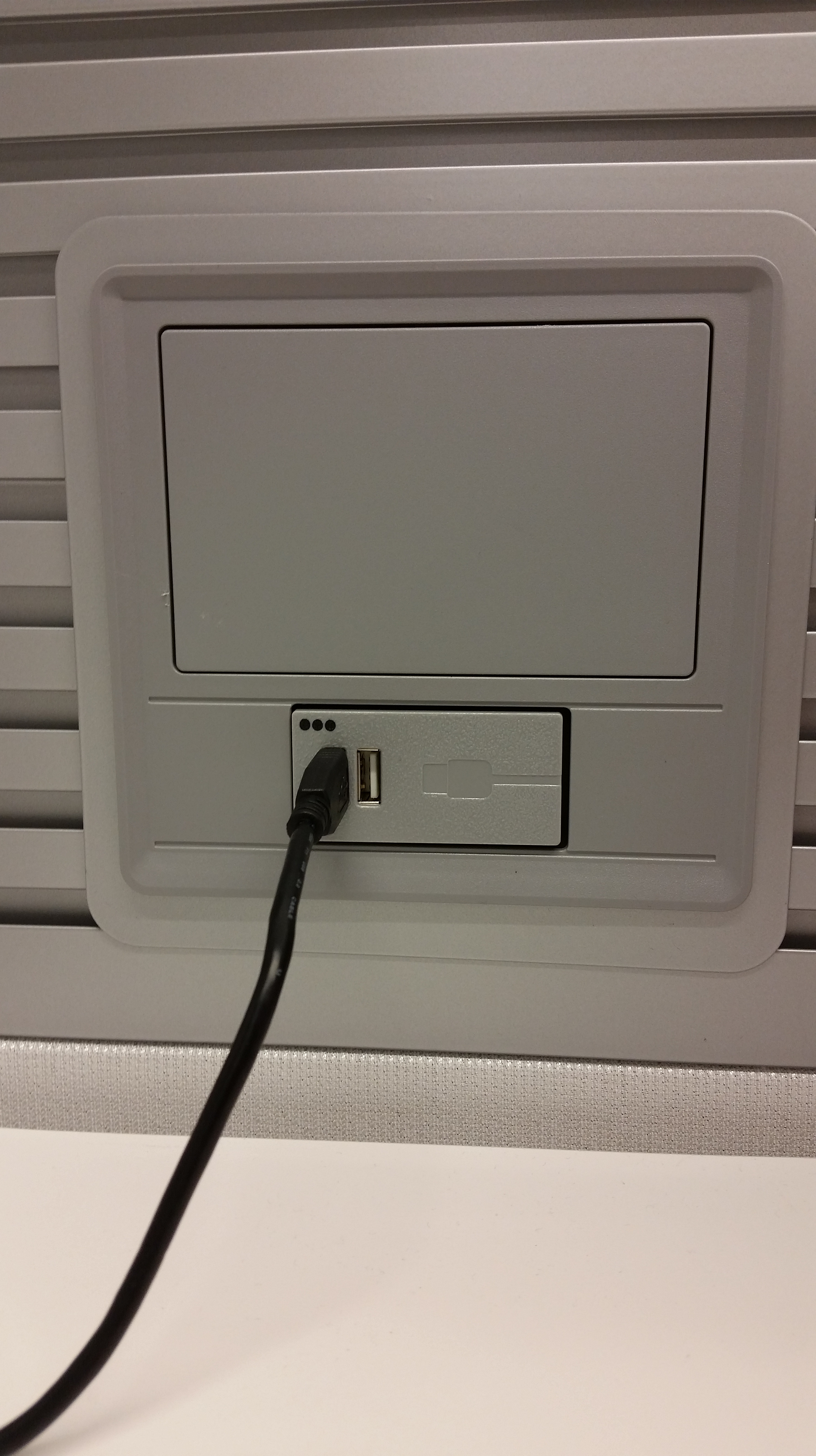


Visuals would really help sell your point. A CEO I worked for never wanted to see a wire. In conference rooms everything was under the boardroom table and out of site.
Tony, thank you for the feedback. I have added some pictures to help illustrate the point.
Nice product. I’ll keep it mind.